
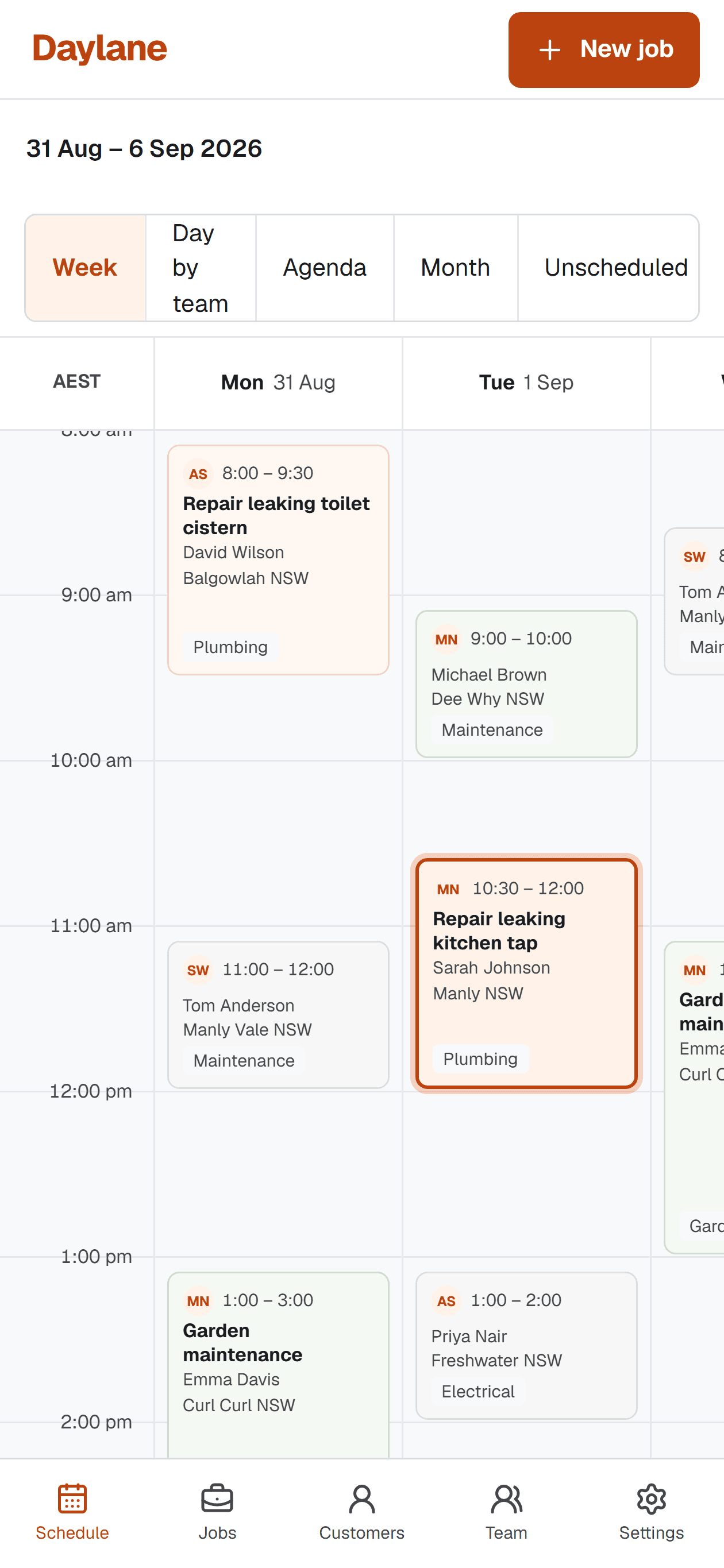
A mobile job schedule should answer where to go, when to arrive, who the Customer is and what work is expected. It does not need continuous GPS history to do that. Separating operational Location data from worker surveillance keeps the product focused and reduces the amount of personal information the Business must manage.
Design the phone view around the next Visit
On a phone, the agenda should lead with time, Customer, Location, Job title and status. Navigation, access instructions and contact actions should be close. A miniature desktop week can show context, but it should not be the only usable view.
Important actions need clear touch targets and text labels. Starting or completing a Visit, sending an on-the-way update and opening directions should work without precision dragging.
Use Location for the Job, not as a trail
A service address is needed to deliver the Job. Opening that address in the device's mapping application is a direct user action. Continuous background tracking is a different capability with different privacy, transparency and security implications.
Before enabling any location collection, define the exact purpose, whether a less intrusive method can meet it, who can access the data and how long it will be retained. If the only goal is navigation, a stored service address and Open in Maps action may be enough.
Limit the offline promise
Field work sometimes reaches areas with unreliable reception. A responsible first step is a clearly labelled read-only copy of the near-term agenda and essential assigned Customer details. The interface should say when the data may be stale and avoid claiming a change was saved until the server confirms it.
Full offline editing introduces conflict resolution, attachment queues and security questions. Add it when real use demonstrates the need, not as an unchecked marketing promise.
Make access match the role
A Team Member usually needs assigned Visit details, not every Customer record in the Business. Role-based access reduces clutter and supports data minimisation. Owners and Schedulers can retain the broader view needed to coordinate the calendar.
The OAIC recommends organisations use technical and organisational measures to protect personal information. Practical measures include unique accounts, least-privilege access, secure deletion and a clear response plan if information is exposed.
Sources and scope
This practical guide was checked against the primary sources below on 1 September 2026. It is general information, not legal, tax, safety or accounting advice for your circumstances.
How we write and maintain our guides. Free templates and planning tools.