
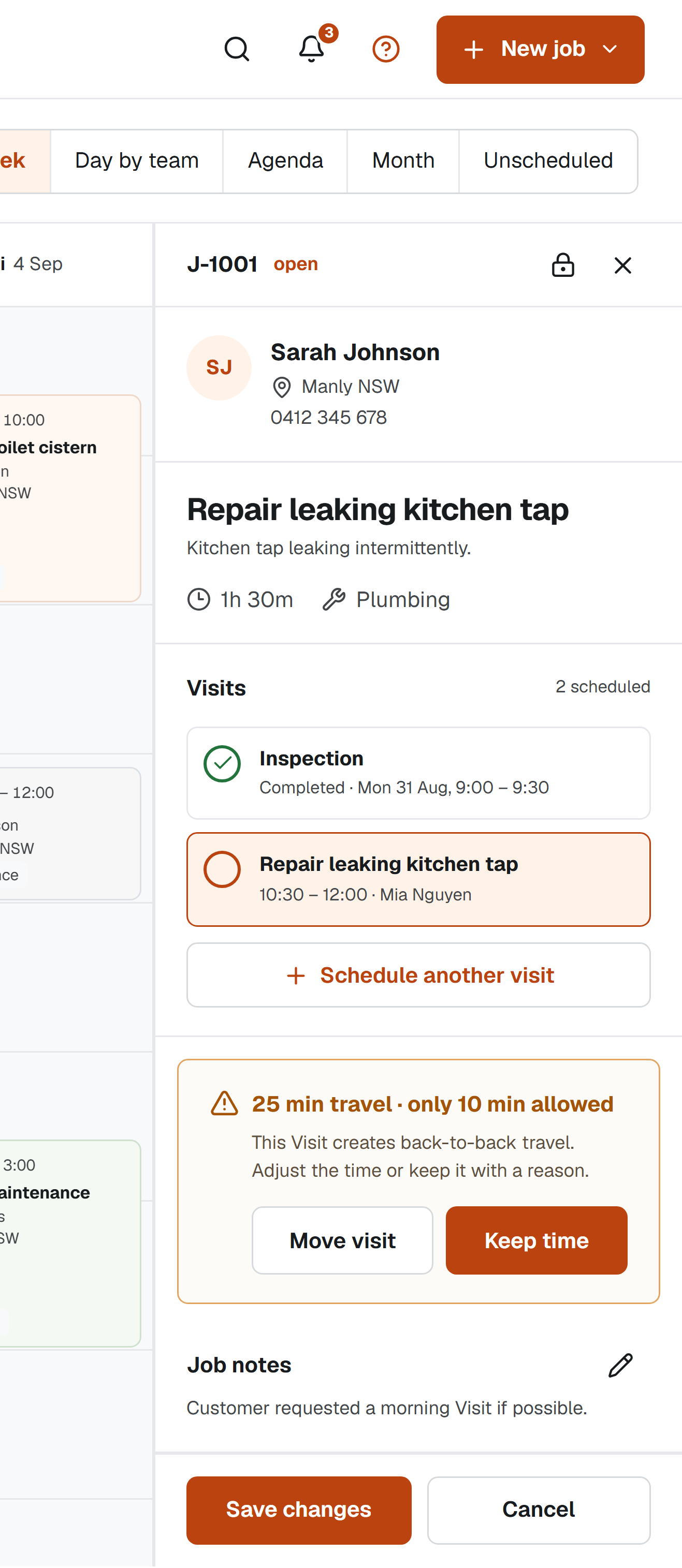
The scheduling system knows what work was planned and attended. The invoicing system knows the financial document, tax details, payment terms and payment status. A clean handoff connects those records after the Job is explicitly complete while allowing each system to keep doing one job well.
Complete the operational record first
Confirm that every required Visit is finished, completion notes are clear and no return is outstanding. Then explicitly complete the Job. This boundary prevents a technician finishing today's attendance from accidentally signalling that the entire piece of work is ready to bill.
If follow-up remains, keep the Job open and make the next action visible. Invoice only the appropriate stage if your agreement and accounting process support progress billing.
Copy selected facts, not the entire history
A useful handoff can include the Customer, service Location, Job reference, completion date and a concise work summary. Photos, internal notes and scheduling warnings usually do not belong on an invoice. Let the user review what will be copied before creating the draft.
Keep the transfer one-way unless there is a defined need for synchronisation. A simple draft creation is easier to understand and less likely to produce conflicting edits across two products.
Review Australian invoice requirements
The Australian Taxation Office explains when a document must be called a tax invoice and what it must contain. Requirements vary with the sale value and GST registration. The invoicing product, not the scheduler, should own those rules and the final document.
Use the Job record to improve the description, not to replace accounting checks. Confirm the supplier identity, ABN where required, issue date, items sold, price and GST treatment in the invoicing workflow.
- Customer and service Location
- Job reference and completion date
- Plain-language summary of completed work
- Amount or pricing note for review
- Link back to the source Job where supported
Keep both records traceable
After creating the invoice draft, record that the handoff occurred and retain the resulting reference if available. This helps answer whether completed work has reached invoicing without turning the schedule into a receivables ledger.
The ATO sets record-keeping expectations for businesses, including keeping most records for five years. Confirm the rules that apply to your business and ensure the financial system retains the authoritative invoice and transaction records.
Sources and scope
This practical guide was checked against the primary sources below on 1 September 2026. It is general information, not legal, tax, safety or accounting advice for your circumstances.
How we write and maintain our guides. Free templates and planning tools.